
Give customers answers. Give your team time back.
Support Hero brings your help content together in a branded help center and an in-app widget that shows the right articles on the right page, so customers can help themselves any time and your team can focus on the harder questions.
No credit card required. Plans from $49/month.
What customers say
“We are now averaging around an 87% deflection rate.”
“2 months after implementing Support Hero, we cut our volume of inbound support tickets by 50%.”



Self-service support in three steps
Publish your answers, put help inside your app, and use search insights to keep improving.
Write your answers
Create articles with images, video and PDFs in the help center editor. Start from templates and keep every revision.
Put help where people get stuck
Add the widget to your site or app with a short JavaScript snippet. It shows articles that match the page each person is on.
Learn from every search
See what people search for, which searches fail and which articles get read, then fill the gaps.
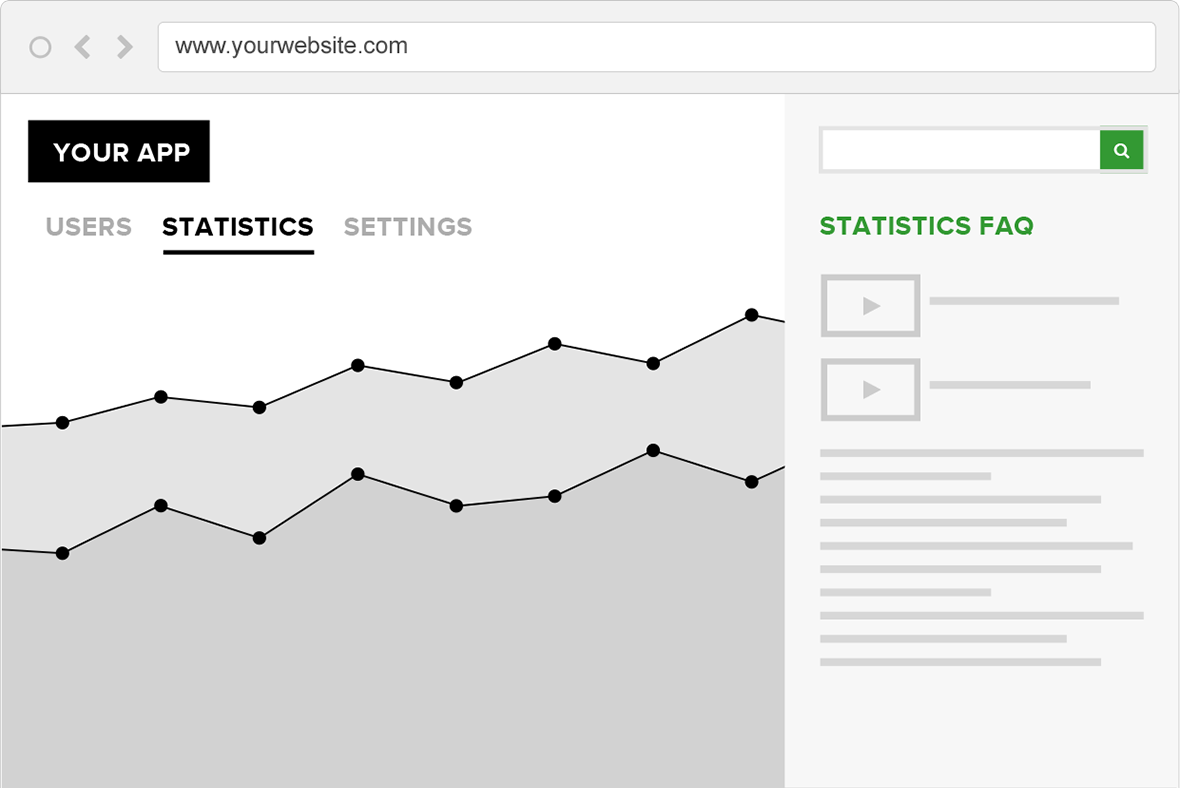
The right article on the right page
The widget is context sensitive: you choose which articles appear for each page or feature, so people get help without leaving what they’re doing.
- Embed with one JavaScript snippet
- Shares content with your help center, so you update once
- Open a specific category or article from any link in your app
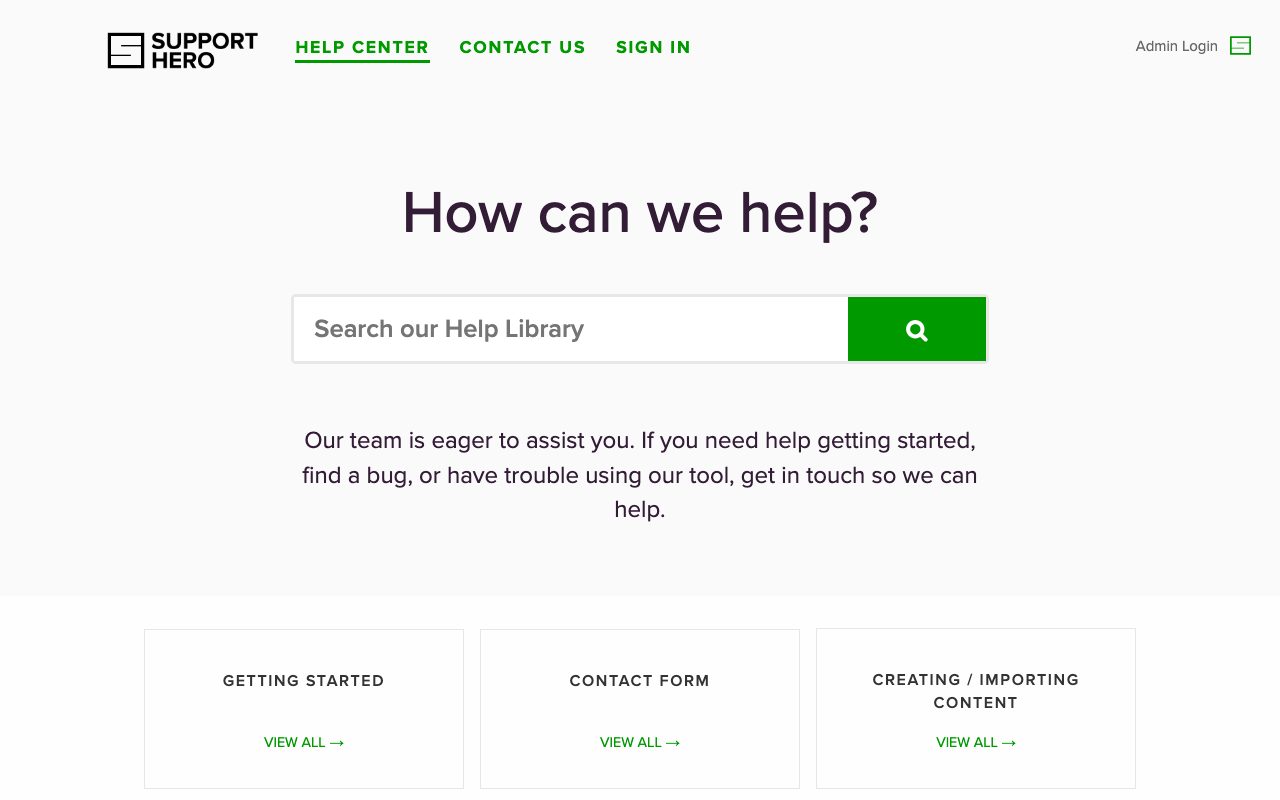
A full help center, on your own domain
Every account includes a searchable knowledge base portal. Customize it with CSS and run it on your own subdomain for a consistent branded experience.
- Full-text search across all your articles
- Mobile friendly and cross-browser out of the box
- Meta fields for every article, for search engines
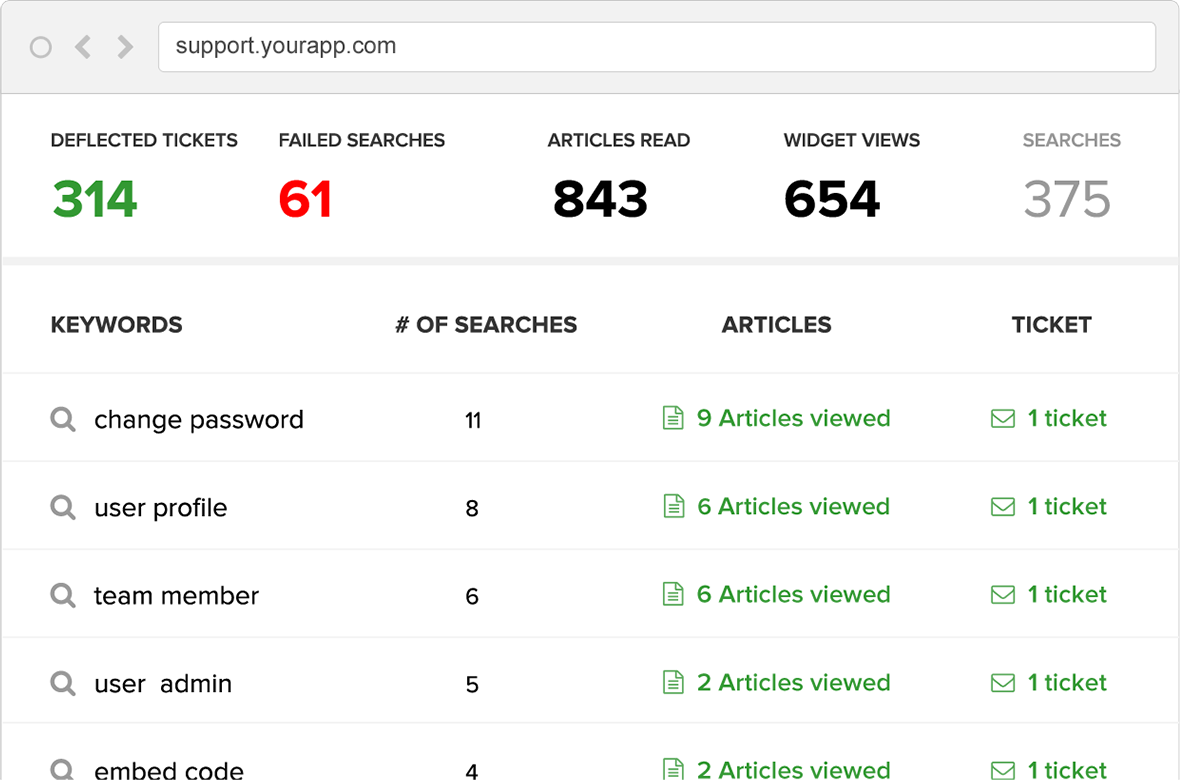
Know what customers are looking for
Support Hero tracks searches, article views and feedback. Failed searches help you spot missing answers and improve existing articles.
- Searches, failed searches and articles read
- Deflected tickets and widget views
- Exportable usage reports
Built for teams that want fewer repetitive questions
20+ languages
Localize your help center and widget for customers around the world.
Private content and SSO
Private content and single sign-on are available as separately priced add-ons. Contact us about your access requirements.
Your brand, your domain
Style everything with CSS and run the help center on your own subdomain.
A contact form that deflects
Guide people to an answer first, and collect the right details if they still need you.
Publish and expiry dates
Schedule articles for a launch and retire them automatically.
API
Pull categories and articles, and run full-text search, from your own app.
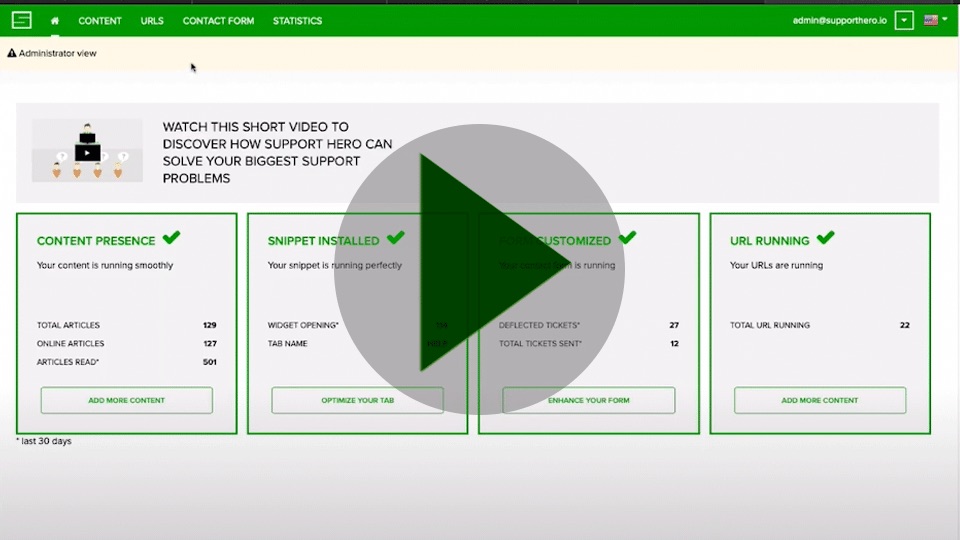
A short tour of Support Hero
Watch how content, the widget, the contact form and analytics fit together, from the admin dashboard to what your customers see.
One knowledge base, many teams
SaaS
In-app, context-sensitive help that supports onboarding and growth.
Learn more →Retail and e-commerce
How-to guides and answers customers can find 24/7, in their language.
Learn more →Call and contact centers
One searchable source of truth so agents answer accurately.
Learn more →Employee knowledge
Policies, IT answers and onboarding material in one place.
Learn more →Startups
Self-service support without hiring a large support team.
Learn more →White labeling
Interested in offering Support Hero under your brand? Ask about partnership options.
Talk to us →What customers say
We are now averaging around an 87% deflection rate.
2 months after implementing Support Hero, we cut our volume of inbound support tickets by 50%.
Support Hero allows you to provide in-app contextual help to customers, so they can get help with a particular feature without leaving the page.
Questions buyers ask
How do I add Support Hero to my website or app?
Your help center is ready as soon as you sign up, at yourcompanyname.supporthero.io, and can run on your own subdomain. To show help inside your site or app, add the widget with a short JavaScript snippet.
Can it match our brand?
Yes. The help center and widget can be styled with CSS (colors, fonts and layout), and the help center can run on your own domain.
How does the free trial work?
Sign up with your name, email, a password, a phone number and your company name to start a 14-day free trial. No payment details are needed.
What support is included?
Every plan includes business hours support, and the Large and Enterprise plans include priority support. Our own help center, help.supporthero.io, is open to everyone.
Can we keep some content private?
Yes. With the Private content add-on, only signed-in users can see your knowledge base, and the SSO add-on connects your company sign-in.
Does it support other languages?
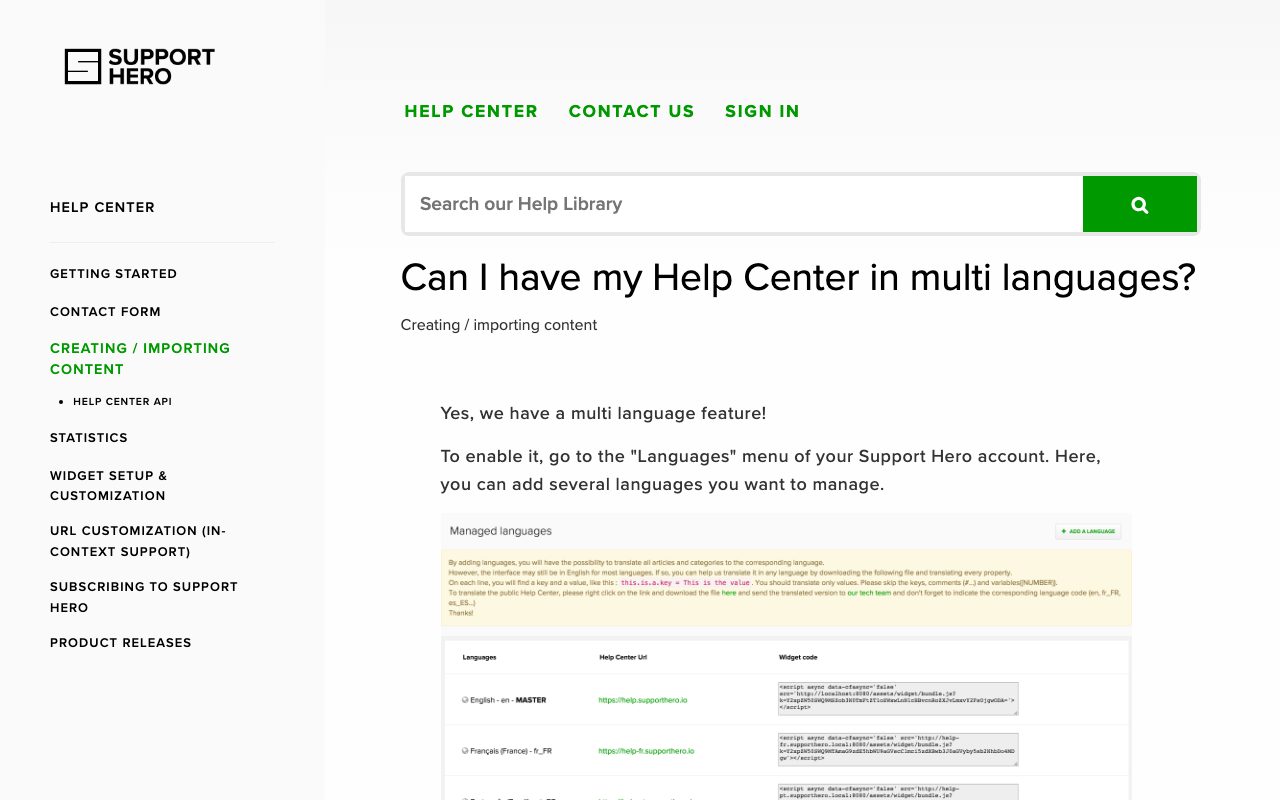
Support Hero supports over 20 languages. Plans include 1, 2 or 4 languages, and Enterprise is unlimited.
Simple plans from $49 a month
Unlimited articles on every plan. Start with a 14-day free trial, no credit card required.
Give customers answers before they need to ask
Start a 14-day free trial, no credit card required. Or request a demo and we’ll walk you through it.